Online booking software for clinics and private practices
A clinic does not need what a salon needs. The features that matter, the questions to ask a vendor about patient data, and what a clean migration looks like.
Published by TimeNow
Written by the TimeNow team, a booking software provider. Comparisons explain selection criteria and information from the sources listed.
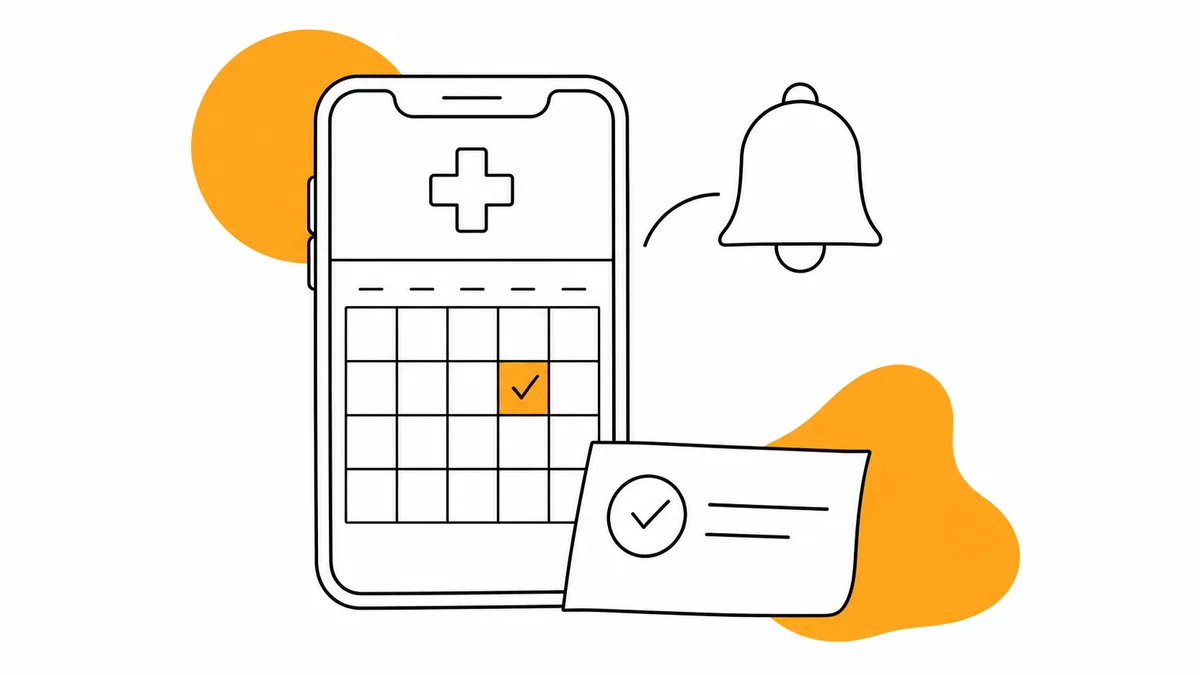
Medical appointment software organises patient requests, staff availability and notifications. Choose it around your approval workflow and data requirements; assess a specialist clinical system separately if you need patient records, prescriptions or medical reporting.
What differs in booking software for a medical practice?
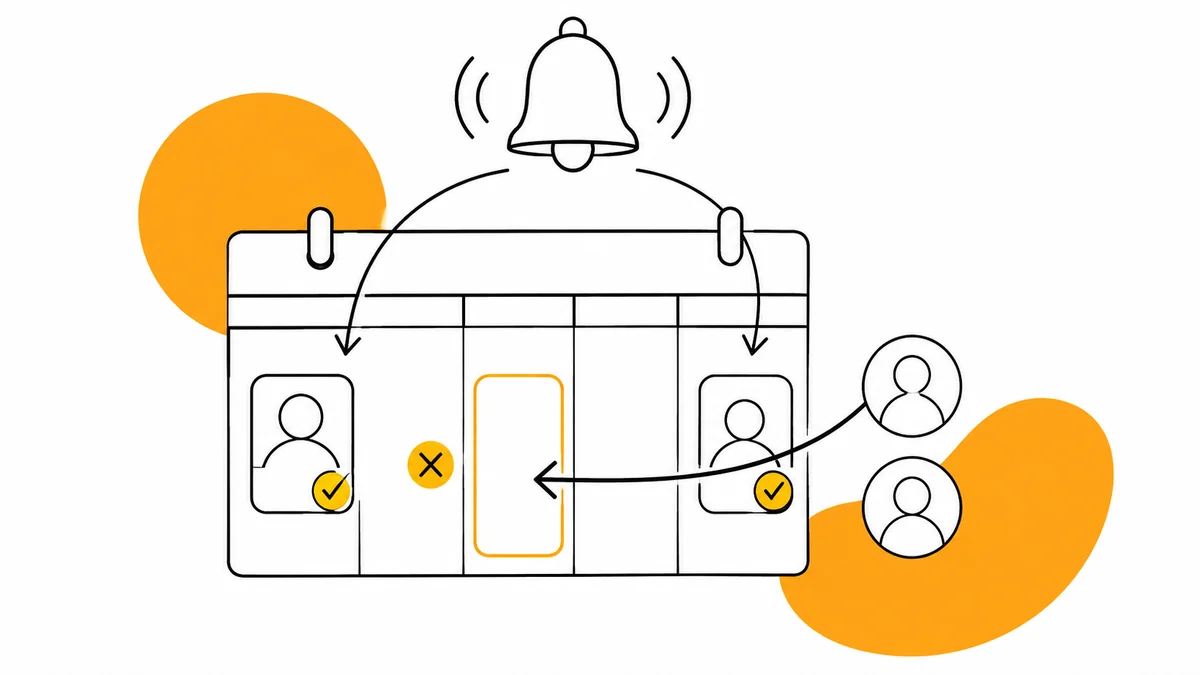
The difference is not cosmetic. In a salon an online booking is final: the client picks a time, the time is taken, done. In a practice the same booking is often a request, because the doctor has to decide whether a twenty-minute slot is enough for the reason given.
| Salon | Medical practice | |
|---|---|---|
| Online booking | Confirms automatically | Often a request, approved manually |
| Duration | Fixed, per service | Variable, depends on the reason |
| The reminder | Useful | Critical — a lost consultation is not recovered |
| Data stored | Name, phone, service history | Can become health data |
| Cancellation | Open until close to the hour | Firm window plus a waiting list |
Five features that make the difference in a practice
Manual approval of requests
The patient asks for a slot; the practice confirms. Between those two moments the slot may or may not stay blocked for other patients — and that is a decision worth being yours rather than the platform. Without manual approval you end up rearranging the day by phone, which defeats the point of having a booking system.
An automatic reminder, on the channel the patient reads
A patient who does not turn up not only does not pay for the consultation — they occupy a slot someone else would have taken, sometimes from a waiting list. A reminder 24 hours ahead is the cheapest intervention available. What matters is the channel: a message the patient actually sees, not one that lands in a promotions tab. We wrote at length about what concretely reduces no-shows.
Per-slot capacity
When several doctors use the same rooms or equipment, separate staff calendars are not enough. Ask for a shared-resource demonstration and confirm the configuration available in the chosen product.
A separate calendar for each specialist
Every doctor has their own hours, their own breaks and their own leave. A system that treats the practice as one shared resource produces errors on exactly the busiest days. Per-specialist Google Calendar sync solves the other half: the doctor sees their schedule where they already look.
Booking without a patient account
A patient looking for a practice is often in a situation that demands speed. Every extra step — create an account, confirm by email, choose a password — is a reason to close the page and call somewhere else. Booking has to work from a link, with no account.
GDPR and patient data — what to ask any vendor
GDPR Articles 5 and 9 address data minimisation and protection of health information. Even a specialty, appointment type or the association of a person with a practice can reveal sensitive information, depending on context.
Questions to put to a vendor, in writing, before you sign anything:
- Where is the data hosted? Inside the EU or outside it, and in which country exactly.
- Is there a data processing agreement (DPA)? Ask for it as a document, not as a chat reply.
- Who on the vendor side can see patient data? And under what conditions — during a support request, for instance.
- How long is data kept after you close the account? And how do you request deletion.
- What is exported, and in what format? An export you cannot open is not an export.
- How are erasure requests handled? Article 17 has conditions and exceptions, including retention obligations; establish the procedure applicable to the practice.
No booking platform makes you compliant on its own. Compliance belongs to the practice; the platform can only avoid getting in the way — and that is verified through the questions above, not through a badge on a marketing page.
How TimeNow simplifies practice booking
TimeNow supports a public booking page or embedded calendar, staff calendars, approval requests and notifications. Test the required configuration, including shared rooms, in a demo; plans start at 99 RON monthly.
How to move bookings out of your current system
- Inventory the consultation types and their real durations. Not the brochure durations — the measured ones.
- Export the patient list with names and phone numbers. That is all; clinical data stays where it is.
- Configure each specialist schedule, with breaks and days off.
- Test a full cycle on a fictitious patient: request, approval, reminder, cancellation.
- Run a week in parallel, with new bookings going only into the new system.
- Tell patients with a single link to the new booking page.
Decision checklist
- Can you approve requests manually, without phoning the patient? If not, look elsewhere.
- Does the reminder arrive on a channel your patients actually read?
- Does every specialist have their own calendar, with breaks and leave?
- Can the patient book without creating an account?
- Have you received the DPA in writing, and do you know where data is hosted?
- Can you export everything, in a format you can open?
Frequently asked questions
How does TimeNow complement the practice medical system?
TimeNow handles online booking, notifications and specialist calendars while the existing medical system remains focused on clinical documentation. Patients get a simpler booking experience and the team keeps each workflow clearly organised.
Do patients have to create an account to book?
No. Booking works from a link or from the public booking page, with no account. The mobile app stays optional, for patients who come back often.
Can I approve every booking request manually?
Yes. Requests can arrive as pending, waiting for the practice to confirm, and the patient is notified only once you have confirmed the slot.
Where is the data stored?
Where data is stored, which sub-processors are involved and the circumstances in which transfers outside the EEA can occur are all set out in the privacy policy. For a practice, also ask for the processing agreement, the retention period and the deletion procedure — in writing, before you sign. That is exactly what we recommend asking of any vendor, including us.
What happens to bookings that already exist?
Request a sample export and confirm which fields can be imported. Validate a sample and all future bookings before changing the public link; see the migration steps.
Sources and documentation
- Regulation (EU) 2016/679 — Articles 5, 9, 17 and 28checked September 5, 2026
- TimeNow — plans and pricingchecked September 5, 2026
- TimeNow — privacy policychecked September 5, 2026