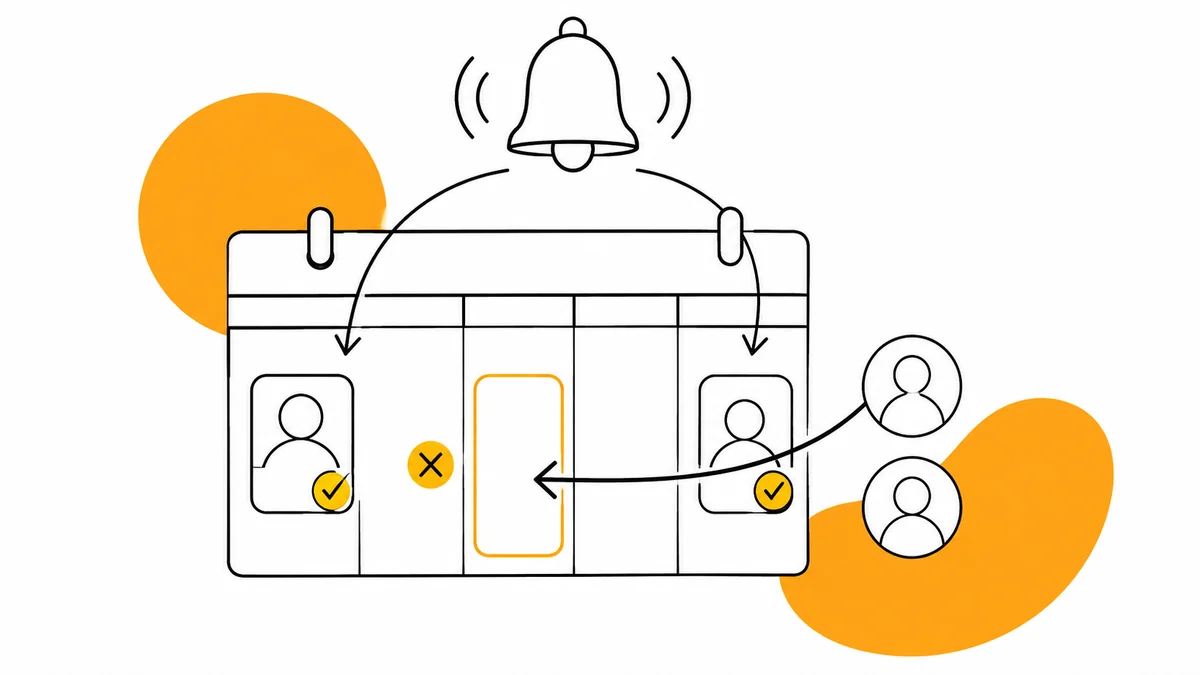
Choosing Pilates Reformer booking software
Test class capacity, remaining sessions and waiting lists before choosing the software your Pilates studio will use every day.
Published by TimeNow
Written by the TimeNow team, a booking software provider. Comparisons explain selection criteria and information from the sources listed.
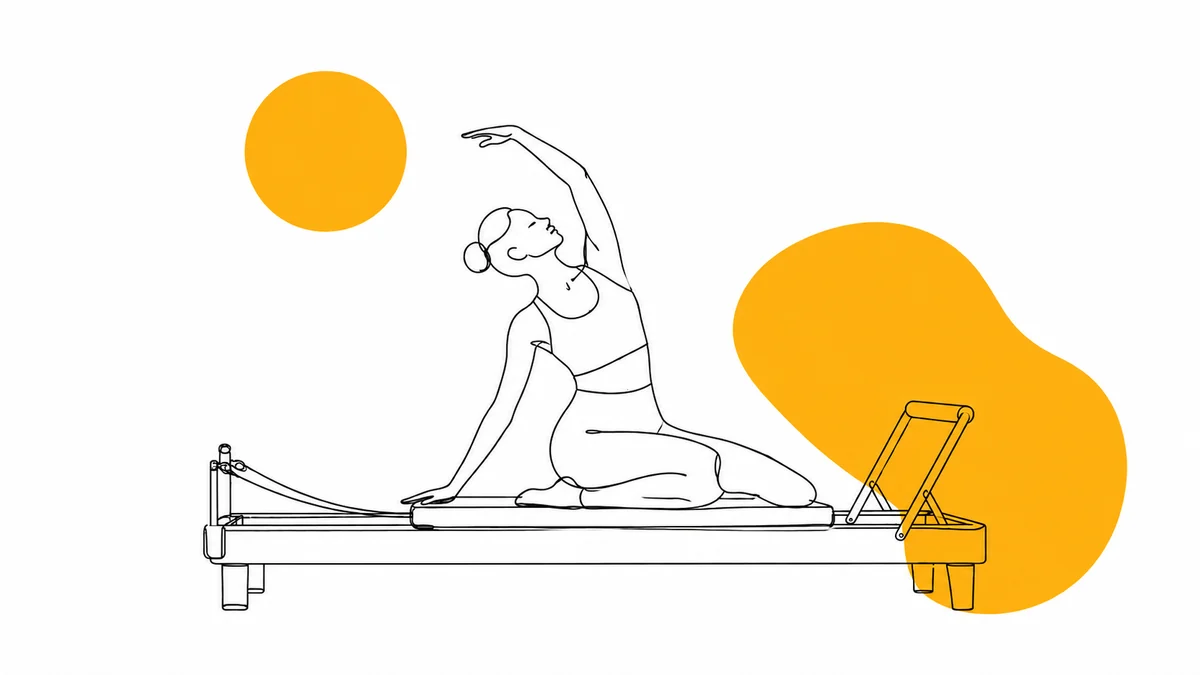
Booking software for a Pilates Reformer studio needs to connect each reservation to class capacity and the client’s membership. Before choosing a system, test a full class, a cancellation and a pass close to expiry: these situations reveal whether the software can handle your studio’s daily work.
Why a normal calendar is not enough for every booking
An individual appointment reserves an instructor’s time; a Reformer class lets several clients take places in the same session. Staff need to see who is attending, how many spots remain and which membership covers each reservation.
A spreadsheet and a WhatsApp group can work initially, but every change requires an update. A cancellation, replacement booking and instructor substitution can leave several versions of the same schedule unless one system records the final state.
| Situation | Required behaviour | Demo test |
|---|---|---|
| Limited-capacity class | Respect the session limit | Try booking after the last spot is taken |
| Session pack | Check eligibility and balance | Book using the last remaining session |
| Timely cancellation | Apply the stated cancellation rule | Check the spot and balance afterwards |
| Full class | Handle the waiting list | Release a place and follow the next step |
| Absent instructor | Allow a schedule change | Replace the instructor for one session |
How to set capacity for Reformer classes
Start with the available equipment and the way the session is taught. If a machine is unavailable or a particular session has different requirements, check its capacity before opening it for reservations.
Class capacity is different from reserving a specific machine. If private appointments and group classes use the same room at the same time, ask the vendor to demonstrate how those activities avoid claiming the same equipment.
What happens to the remaining sessions on a pass
Describe every package by its session allowance, validity period and eligible classes. A mat Pilates pass should not accidentally allow Reformer bookings if your studio sells those activities separately.
- Check when a session is consumed: at booking, confirmation or attendance, according to the system’s rules.
- Test cancellation before and after the stated deadline, then inspect the remaining balance.
- Try booking a date beyond the pass expiry date, even when the pass is active today.
- Ask how staff correct a mistake and how the client can check their remaining sessions.
For package definitions and shared rules, read the guide to yoga and Pilates membership management. Bring two real offers from your studio to the demo instead of testing a generic pass that misses the difficult cases.
How to use a waiting list without sending individual messages
A waiting list is useful when a cancellation reaches the next interested person. Check whether the system sends an invitation or confirms a place automatically, whether it checks membership eligibility and what happens when that person can no longer attend.
Use the same explanation on the booking page and in studio messages. For reminders and cancellations, also see the guide to reducing no-shows; making cancellation possible only helps if the released place becomes available in time.
What does studio booking software cost?
Compare the price for the full team, classes, memberships and customer access, then ask about additional services and payment processing. An entry price tells you little if that plan cannot support the features or volume you need.
TimeNow offers RON plans starting at 99 RON monthly, based on employee count. Its Pilates and Reformer page explains booking, classes and memberships; request a demonstration using your timetable and cancellation rules.
How to move from messages to online reservations
- Record classes, instructors, capacity and membership rules in one document.
- Check client balances and future bookings before importing anything; do not reconstruct them from memory.
- Make a test booking on a phone, then test cancellation and the waiting list.
- Choose the date from which one calendar accepts all new bookings and update the links on Instagram and your website.
- During the first week, compare the attendance list with the instructor’s records and correct discrepancies promptly.
Frequently asked questions
Can I manage mat Pilates and Reformer together?
Yes, provided you define separate classes, capacities and eligible passes. TimeNow supports different classes; verify access rules using the packages your studio actually sells.
Do clients have to install an app?
TimeNow supports public-page booking without an account. The mobile app is an option for clients who also want to check their memberships; test both routes on a phone.
Do I need a website before taking bookings?
You can share the public booking page directly on Instagram or in studio messages. If you have a website, an embedded calendar is another option.
How do I know whether the software fits?
Test a full class, the final session on a pass, a cancellation and an instructor change. Staff should be able to check the result of each step themselves before you decide.
Sources and documentation
- TimeNow — Pilates and Reformer bookingchecked September 5, 2026
- TimeNow — plans and pricingchecked September 5, 2026